SchemaOrg Obsidian Vault
You can download an Obsidian Vault that already contains the whole Schema.org as Markdown files, ready to open, browse, and edit without any extra setup. The Markdown files were generated from Schema.org version 29.3, released on September 4, 2025, and transformed into clean, editable Markdown with YAML-LD frontmatter, making them fully compatible with Obsidian for knowledge management and Quartz for static site publishing (see https://schema.org/docs/releases.html).
Both the Obsidian Vault and the Quartz static site generator (SSG) can be downloaded from SourceForge by clicking the button, allowing you to work locally in Obsidian and publish the same content as a clean, navigable website using Quartz.
Obsidian Bases
Schema.Org Catalogues
This is a list of all catalogues we created using Obsidian Bases. These cannot be viewed in the static site generated web site but you can get lists with the tags menu
- All Subjects-Concepts
- rdfs:Class Types
- Enumeration Types
- Enumeration Members
- Data Types
- Data Values
- All Properties Sorted By Type and Alphabetically
- All Properties Sorted By Domain
Edit values like you have a spreadsheet
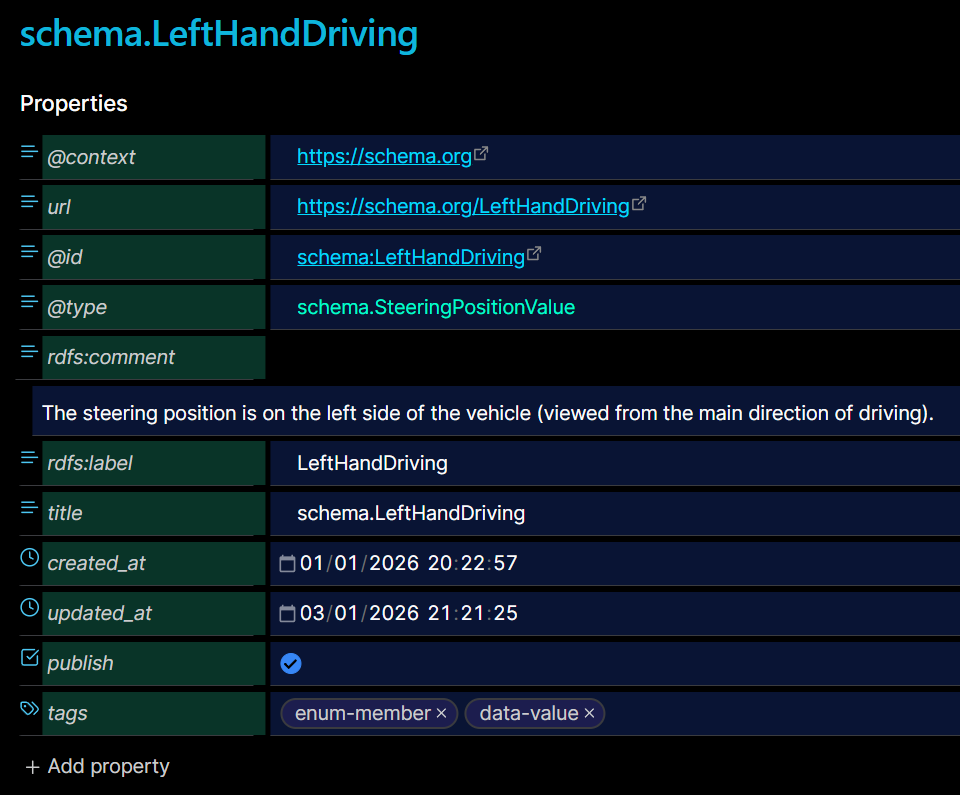
With Obsidian bases you can easily edit frontmatter properties for Schema.Org concepts that are missing or that can be aligned with other concepts.
In the following example we can complete the tags property of four concepts with the enum-member tag

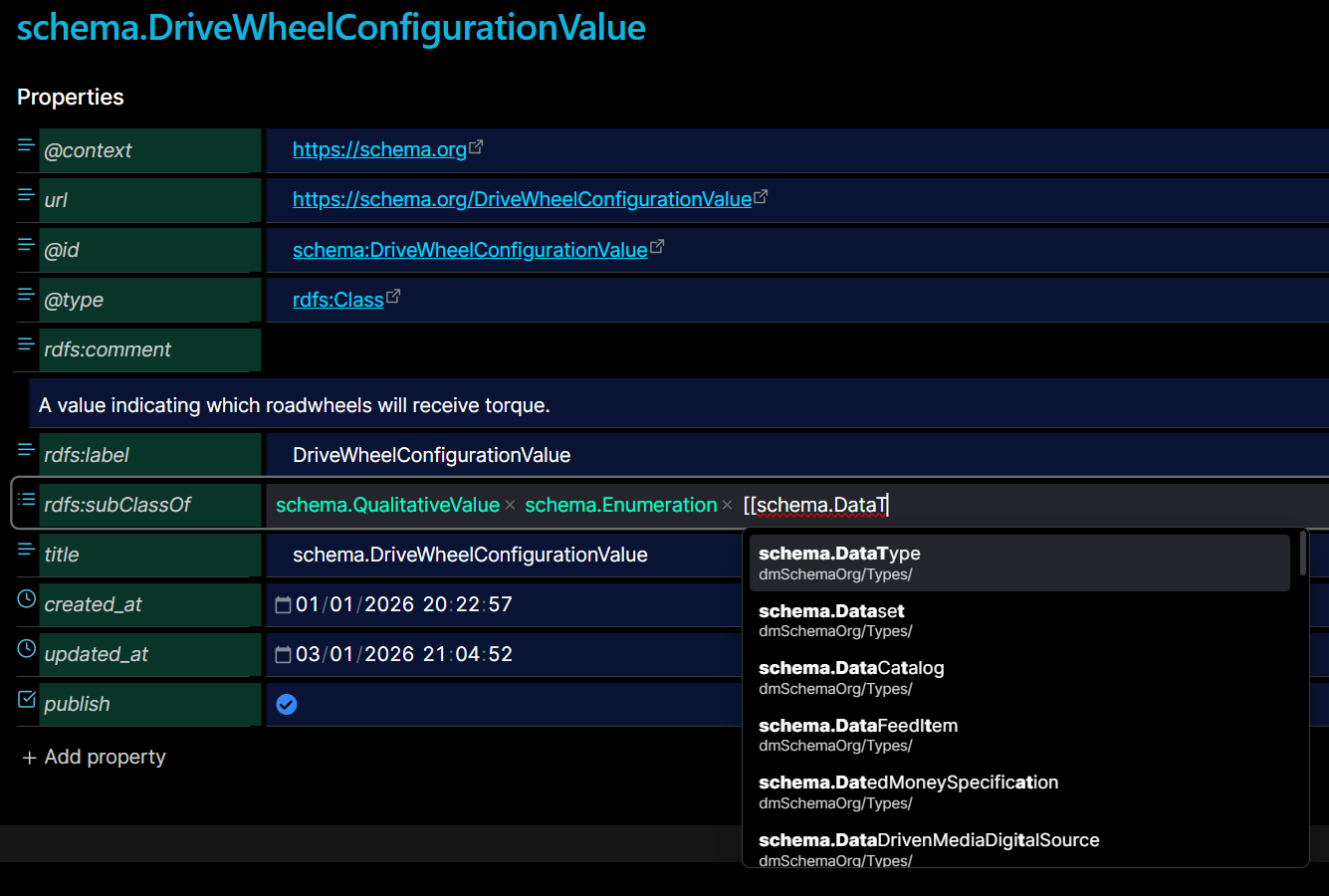
and modify the frontmatter of schema.DriveWheelConfigurationValue by adding subclass schema.Enumeration
---
"@context": https://schema.org
url: https://schema.org/DriveWheelConfigurationValue
"@id": schema:DriveWheelConfigurationValue
"@type": rdfs:Class
rdfs:comment: A value indicating which roadwheels will receive torque.
rdfs:label: DriveWheelConfigurationValue
rdfs:subClassOf:
  - "[[schema.QualitativeValue]]"
  - "[[schema.Enumeration]]"
title: schema.DriveWheelConfigurationValue
created_at: 2026-01-01 20:22:57.644811+00:00
updated_at: 2026-01-03T20:45:13+02:00
publish: true
---
Another advantage of editing with Obsidian Bases is that we can modify the cells of the table, the values of the column are indexed and as you type the system make auto-complete suggestions.

Same auto-complete suggestion you take when you edit Obsidian frontmatter properties. Here we make schema.DriveWheelConfigurationValue subclass of schema.DataType
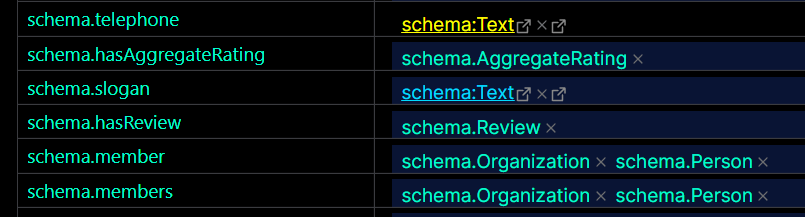
In this example, schema:Text needs to be changed to the wikilink [[schema.Text]] so that it is consistent with the other cells. With Obsidian Base catalogues we can easily view specific values in a column to check for consistency.
Explore a specific schema.org type
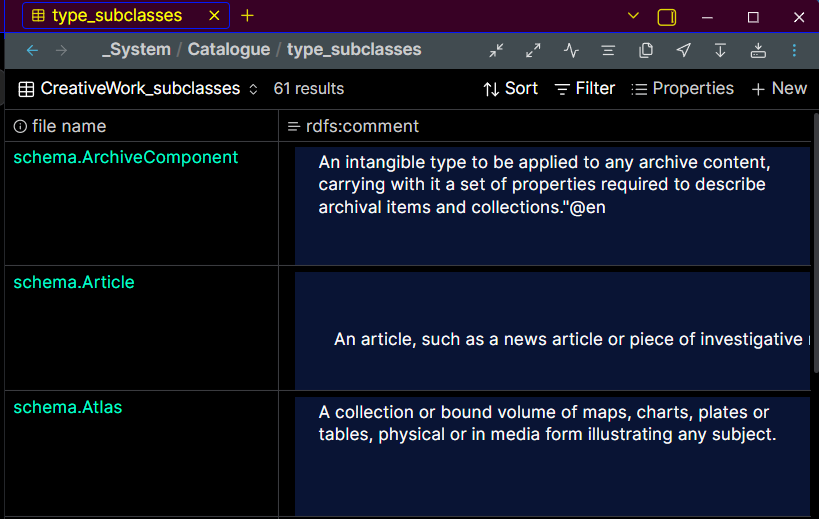
Here is an example: schema.CreativeWork

In Obsidian you can easily create catalogues to view the subclasses and the properties of a specific schema.org type
| Subclasses | Properties |
|---|---|
 |  |
Obsidian Backlinks
In Obsidian we see all the backlinks for the active note.
For example if we want to edit the enumeration members or data values of the schema.SteeringPositionValue
we can click any backlink in the Linked mentions

Then we can edit the tags for schema.LeftHandDriving or schema.RightHandDriving